Inbox Command-K, Keyboard shortcuts, and Settings rework
Hey there!
Excited to bring you three quality-of-life improvements focused on making Featurebase faster to navigate day-to-day.
It’s the start of stepping back and polishing the overall experience, and you can expect more like this in the near future as we keep tightening things up.
Command-K action menu

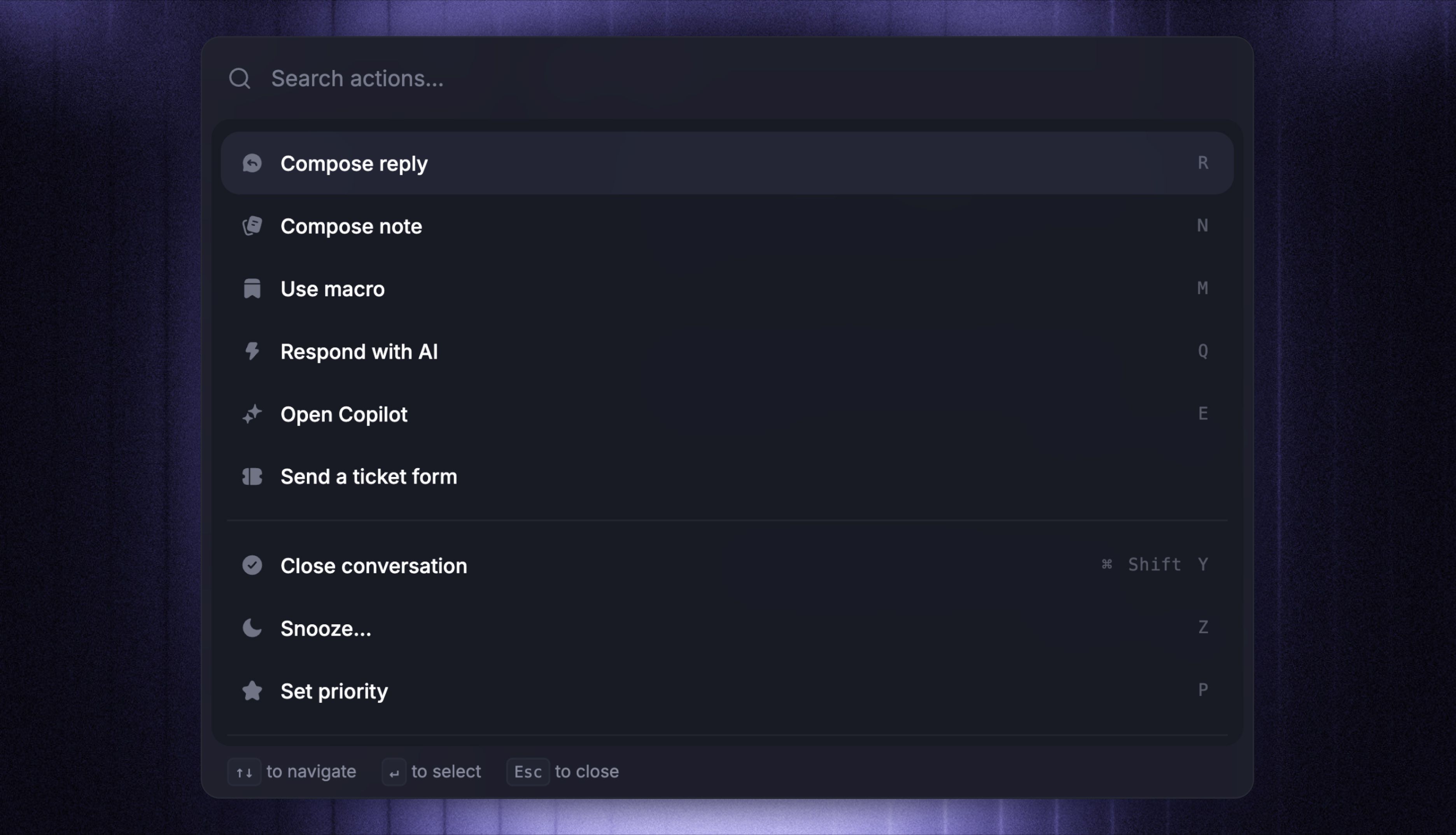
Hit ⌘+K (or Ctrl+K on Windows) from anywhere in a conversation to open the new action palette. It lets you run all the key actions in your inbox with just your keyboard.
You can:
Compose replies, notes, macros, or AI responses
Assign to teammates, teams, or brands
Update statuses, set priority, copy transcripts
Convert conversations to customer or back-office tickets
Link tracker tickets (internal or public) right from the palette
It replaces the old basic ⌘+K with a single shortcut for almost anything you do inside a conversation.
Keyboard shortcuts

Featurebase now also has keyboard shortcuts throughout the support inbox. A few of the most useful ones:
R- Compose a replyN- Compose a noteM- Use macroQ- Draft an AI replyZ- SnoozeA- AssignJ/K- Move between conversations[/]- Toggle sidebars
…and plenty more. Press ? anywhere in the inbox to open the full cheatsheet.
Settings rework

Lastly, we've improved the Settings to make them simpler, faster, and much less cluttered as Featurebase has grown.
Four clear sections: Personal, Products, Workspace, and Data
Settings for products you don't use stay collapsed, so you only see what's relevant
Consistent layout, icons, and sub-navigation across every page
Everything you'd expect to find is still there, just in the place you'd actually look for it!