Outbound - proactive customer messaging
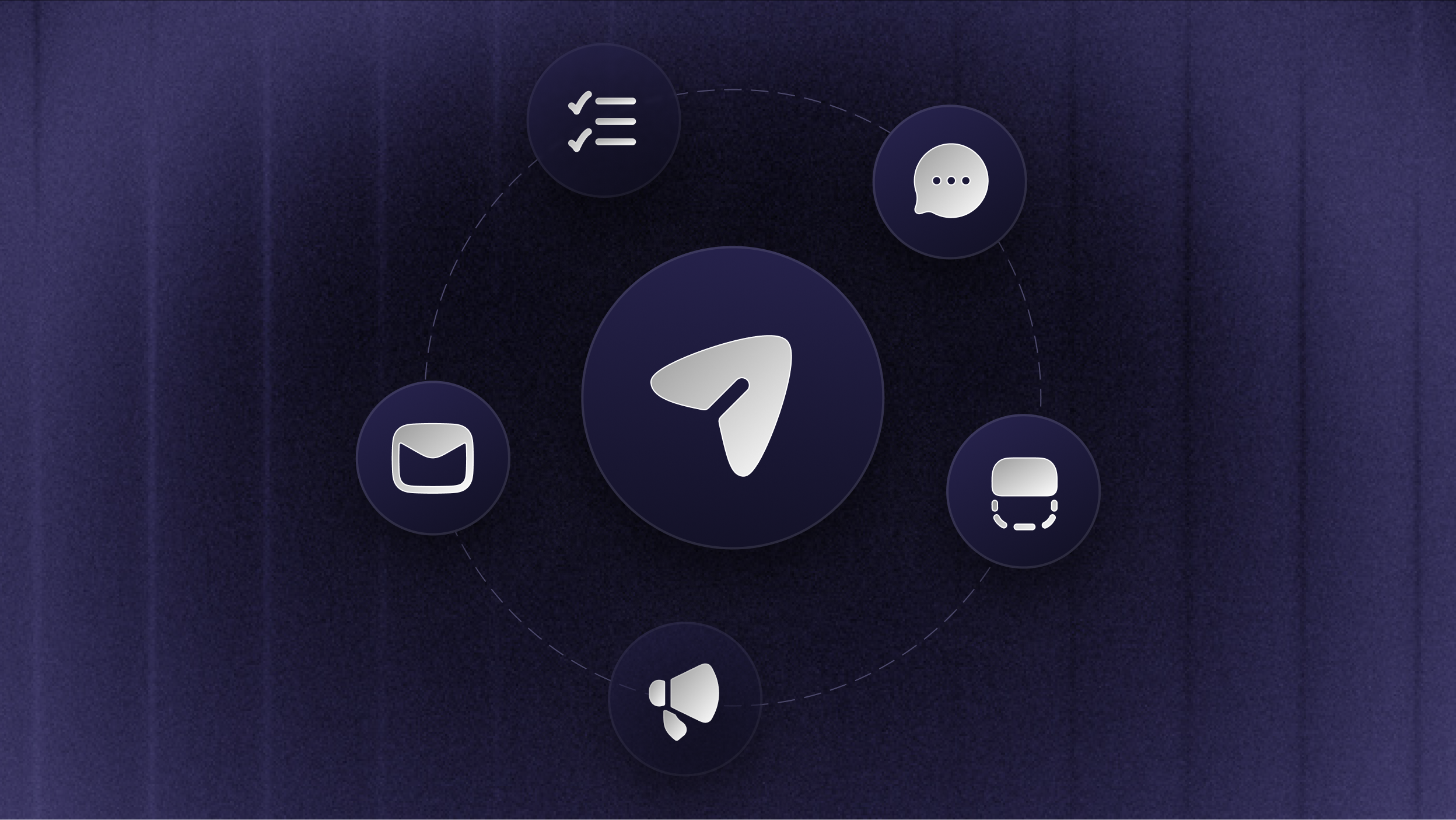
Outbound is here. Onboard, educate, and notify your customers with in-context, automated messages that cut support volume and keep customers happy.
Reach the right people at the right moment, inside your product, in the Messenger, by email, or through Updates, then create, target, schedule, and measure every message from one dashboard.
5 ways to reach your customers

Pick the format that fits the moment:
Chat - start a targeted Messenger conversation while someone is active in your product, with replies that flow into your Inbox
Banner - keep an important notice visible at the top or bottom of your site or app
Email - reach users in their inbox when the message shouldn't wait for their next session
Survey - collect structured, in-context feedback without sending people to a separate form
Updates (previously Changelog) - publish release notes to your Updates page, in-app widgets, and email subscribers
Whatever you're announcing, onboarding, or asking, there's a message type built for it.
Already using Surveys or Changelog? Both are now part of Outbound, and everything you've built carries over.
Precise targeting & flexible scheduling

Decide exactly who sees each message, where, and when.
Target by audience type (users, leads, and visitors) and customer attributes, with grouped
AND/ORrulesTrigger in-app messages by page URL, time on page, or CSS selector
Choose dynamic audiences that update as people match, or lock the audience at activation
Start now or schedule ahead, send once, on a recurring schedule, or every time someone matches, and limit sends to office hours or custom windows
Show the right message in the right context, instead of blasting everyone at once.
Manage and measure everything in one place

Every Outbound message lives in a single dashboard that your team can filter, sort, and customize.
Save views to turn important filters into reusable working lists
Track engagement per message, from opens and clicks to replies and survey responses
Review structured Survey results and export to CSV
Localize any message to automatically show in your users’ native languages
Outbound works with the rest of Featurebase from day one: Chat conversations continue in your Inbox, Surveys use your existing Survey widget, and Updates keep their current page, widgets, and subscribers.
Get started with guides from our Outbound documentation.
As always, leave us feedback! 💫