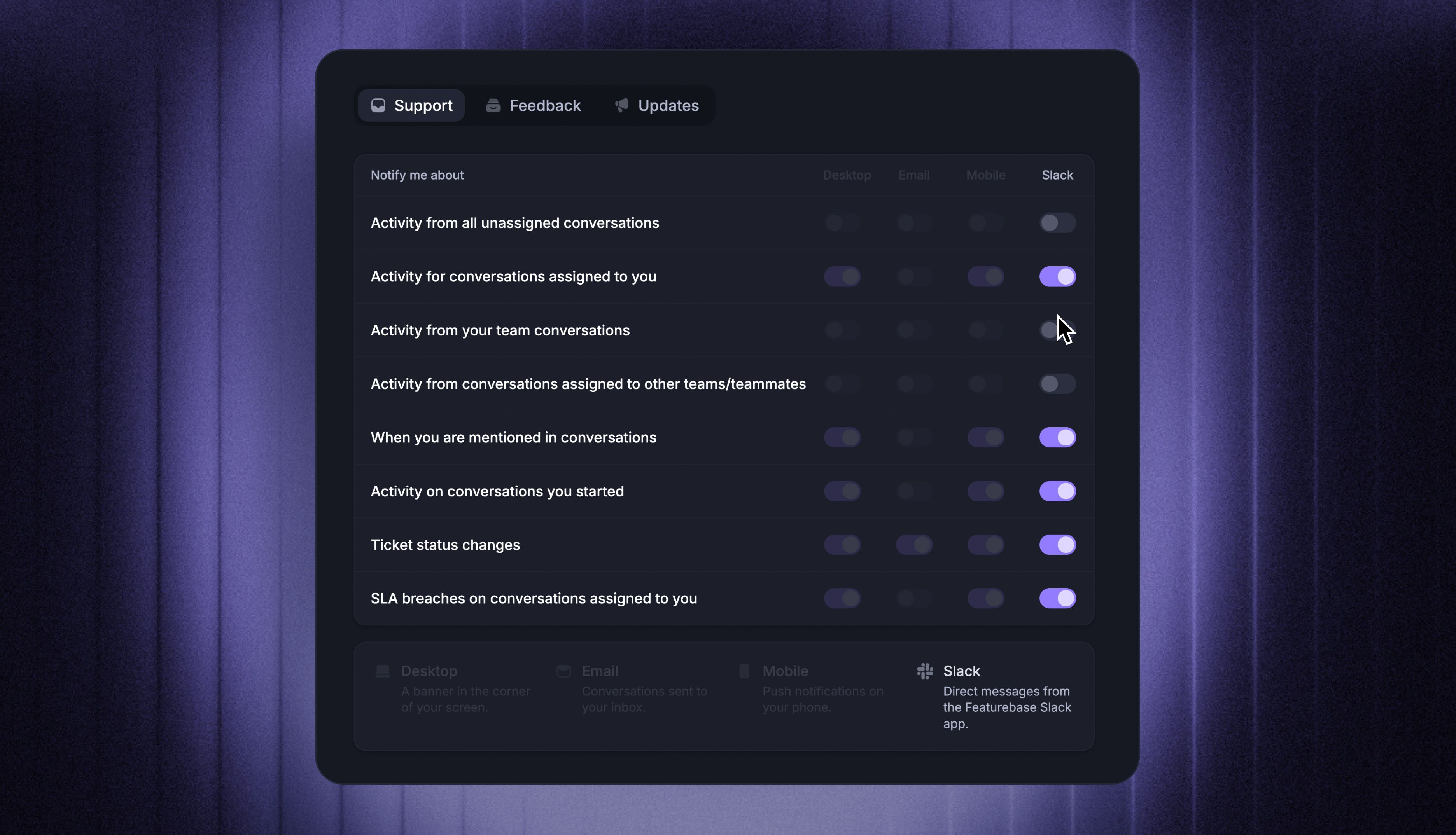
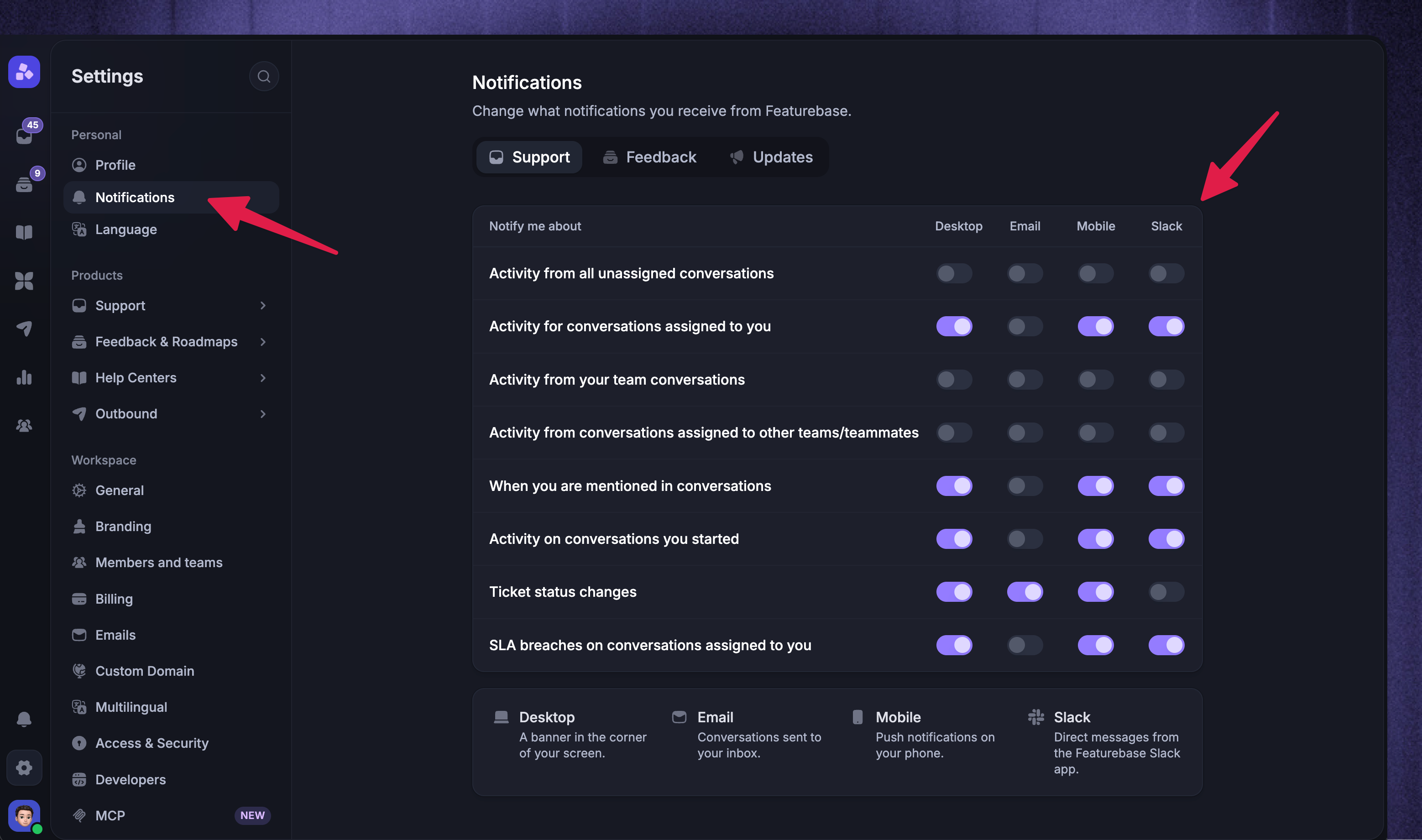
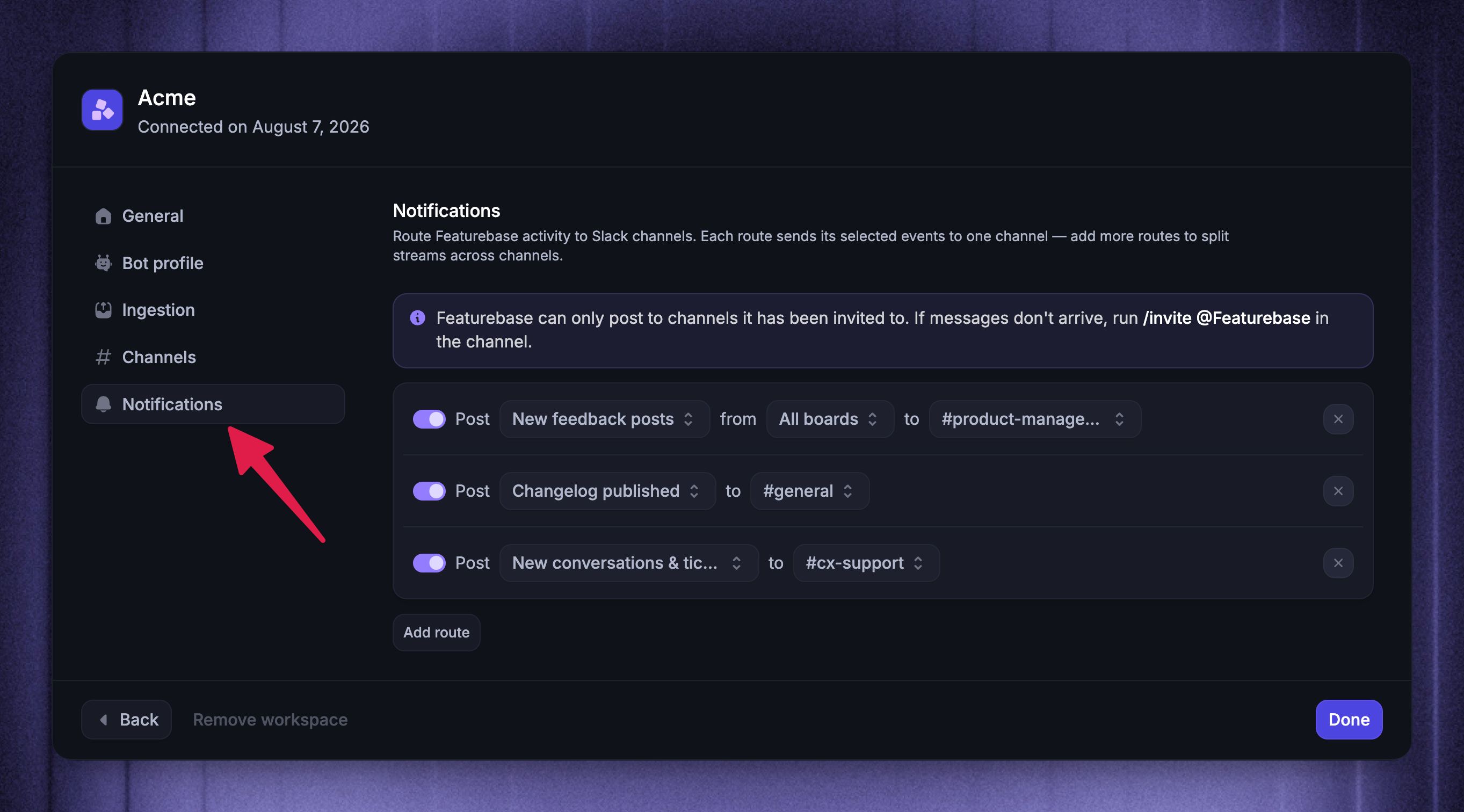
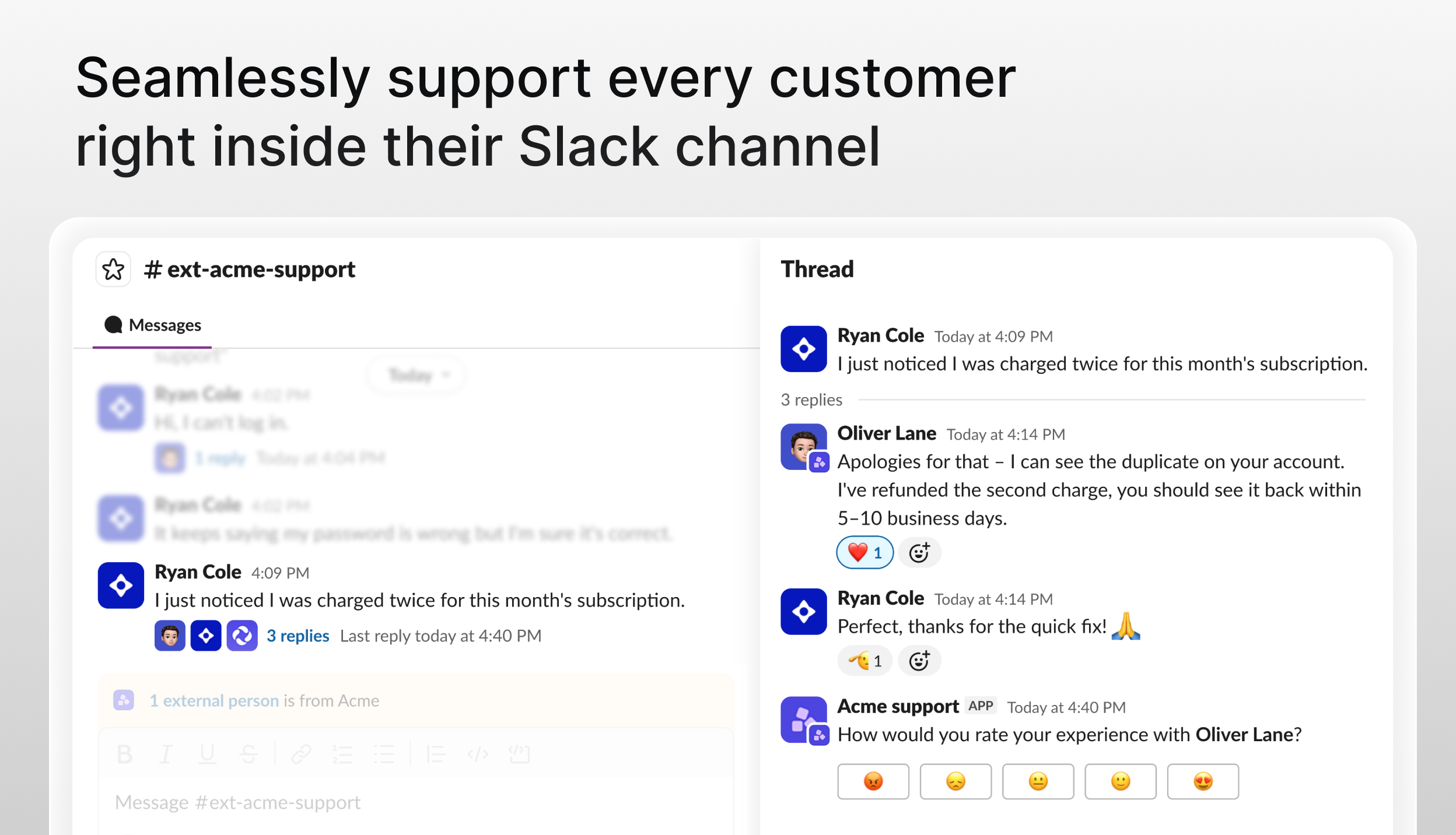
Slack is now a native support Channel in Featurebase!
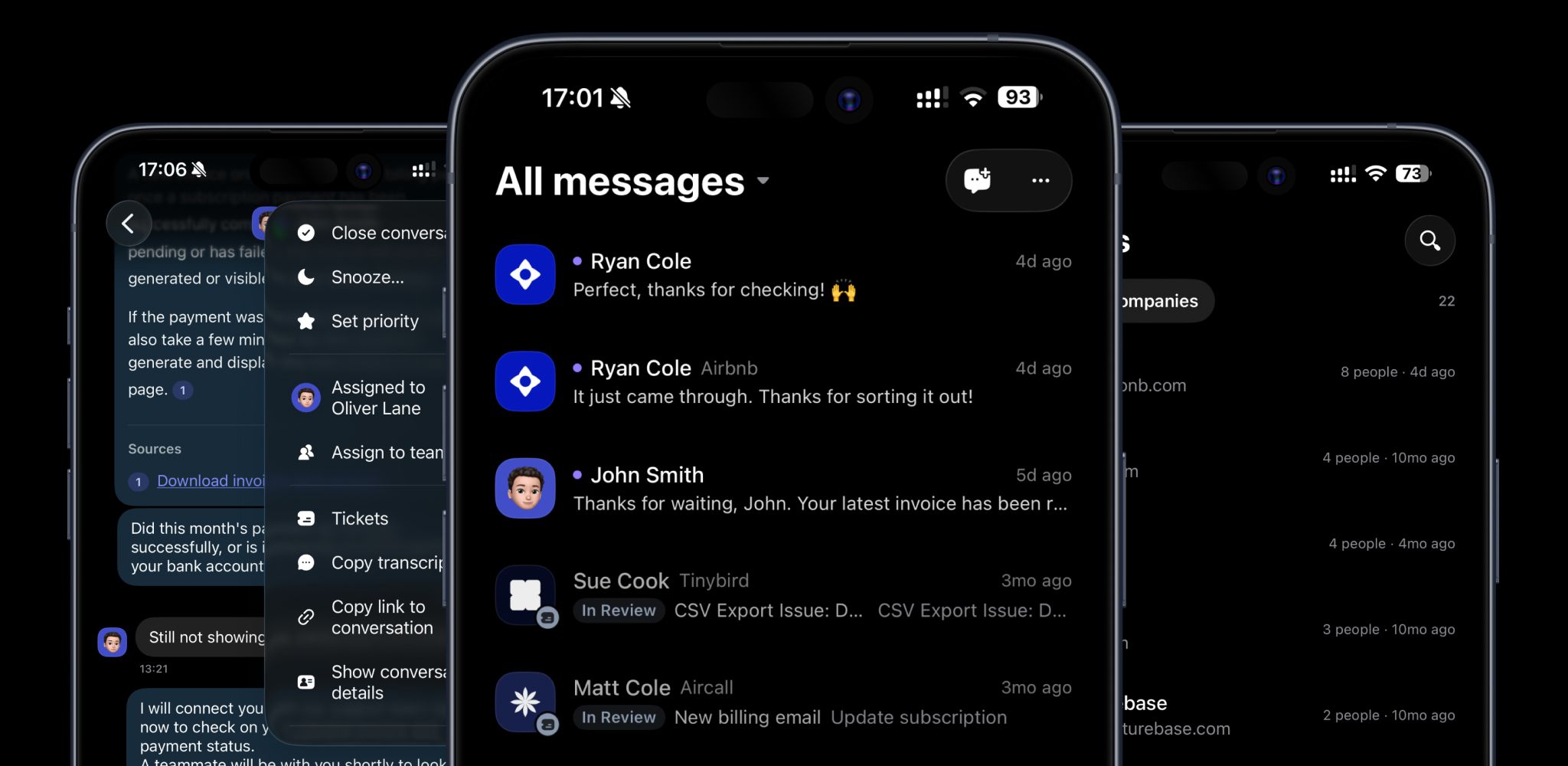
Your customers can keep asking for help in the Slack channels they already use, while your team handles Slack, email, and live chat conversations from one Inbox with customer context, automations, and reporting.
One Inbox, enriched with customer data
Slack messages become Conversations your team can triage and resolve with the same tools you already use across Featurebase.
Reply from the Inbox while messages stay synchronized with Slack
See User and Company attributes, recent Conversations, and linked feedback while you reply
Triage Conversations with assignments, priorities, tags, and SLAs
Add private internal notes or turn complex issues into Tickets
Support customers in Slack while giving your teammates the context and tools to move fast.
Automate Slack support with Fibi and Workflows
Automate more than 70% of your Slack support with Fibi AI Agent, which answers customers using only the content each channel audience is authorized to access.
Build Workflows to auto-route, assign, tag, prioritize, and apply SLAs to Slack conversations. You can also collect customer information and request conversation ratings directly in Slack.
Better collaboration & performance
Start internal Slack Discussions with your team to loop in engineering, product, or sales with the context already attached. Replies stay synchronized between Slack and Featurebase.
Use Reports to track Slack volume, response and close times, SLAs, customer satisfaction (CSAT), and how Fibi, Workflows, and teammates handle support.
Control what becomes a Conversation
Connect public, private, and Slack Connect channels across multiple workspaces and choose how Slack messages become Featurebase conversations:
Use Smart AI-based ingestion to group messages by topic
Group nearby messages by sender and timing
Create one conversation per top-level message
Create conversations only when someone adds your chosen emoji
Create auto-join rules (e.g. #ext-) that can connect matching channels with Featurebase automatically.
Start supporting your customers through Slack today →
Slack support is available on the Professional and Enterprise plans.
We're proud to be one of the few support platforms on the market with a Slack integration this deeply native. This has been one of our most requested features for a long time, and we're super happy with how it turned out. We hope you enjoy it!
And as always, leave us feedback! 💫