Choose the right channel for your outbound message
Choose the right Outbound message type for conversations, announcements, emails, surveys, and product updates.
Written By Markus Palm
Last updated 7 days ago
Overview
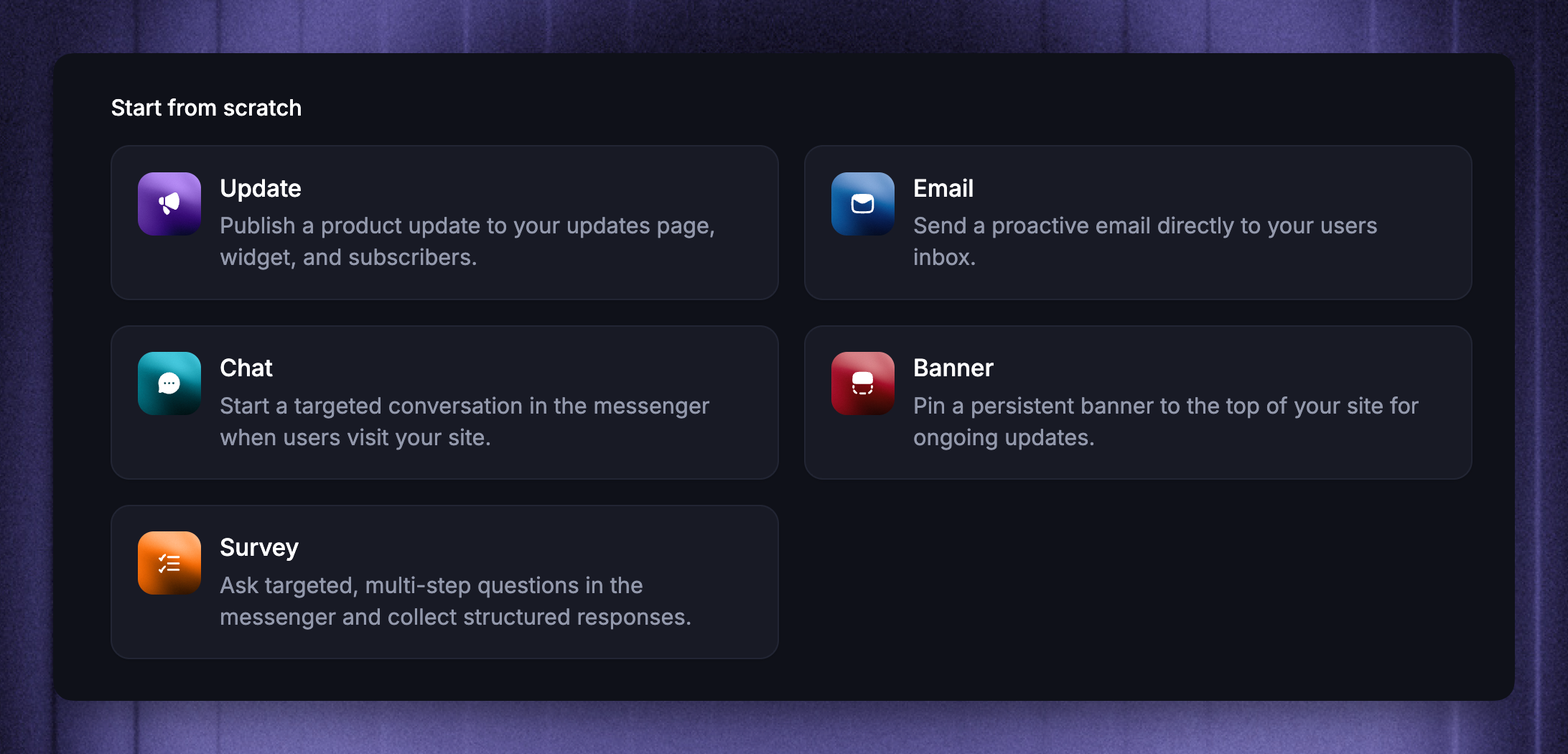
Pick the message type that fits where you want to reach people and what you want them to do next. Featurebase Outbound brings Chat, Banner, Email, Survey, Product Tours, and Updates into one place, so you can match each announcement, prompt, or question to the right format.
Use Chat, Banner, or Survey when the message should appear while someone is using your product or website. Use Product Tours when customers need step-by-step guidance on your desktop website or web app. Use Email when you need to reach users in their inbox. Use Updates when the announcement should live on your Updates page, widgets, and subscriber notifications.
Quick comparison
Use this table as a starting point when choosing a message type:
Use Chat for conversations
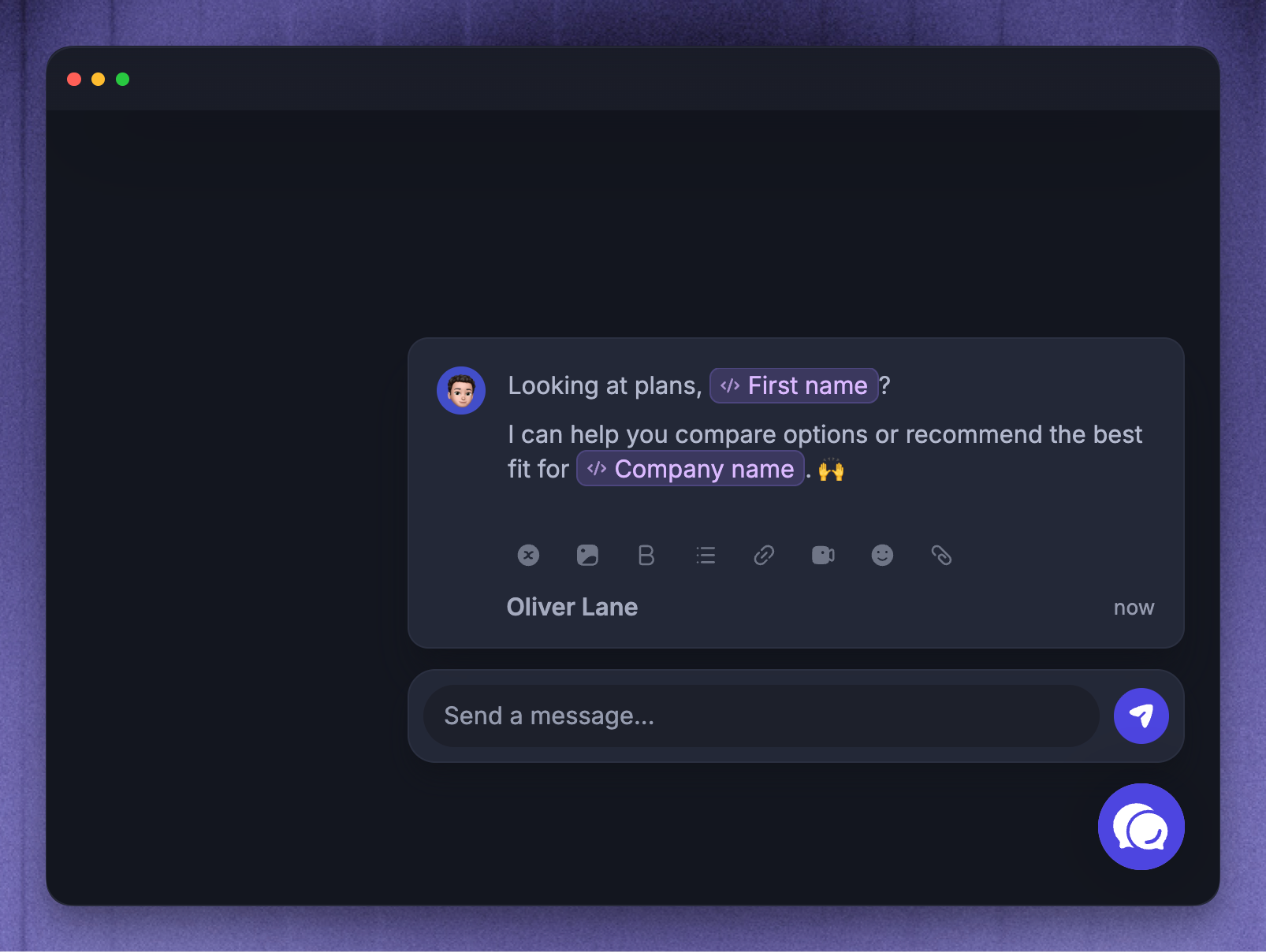
Choose Chat to reach and start a targeted Messenger conversation with people while they are using your product or website. Unlike email, these messages deliver in the right context.
Chat works well for:
Proactive onboarding prompts
Contextual help on a specific page
Announcements where replies are useful
Follow-up messages that should create an Inbox conversation
For example, you can send customers a message about how to invite a teammate, right after they create their first project.
Chat can be targeted by page URL, time-on-page, and CSS selector triggers, then follow the schedule you configure for recurring and every-match delivery.
Use Banner for important notices
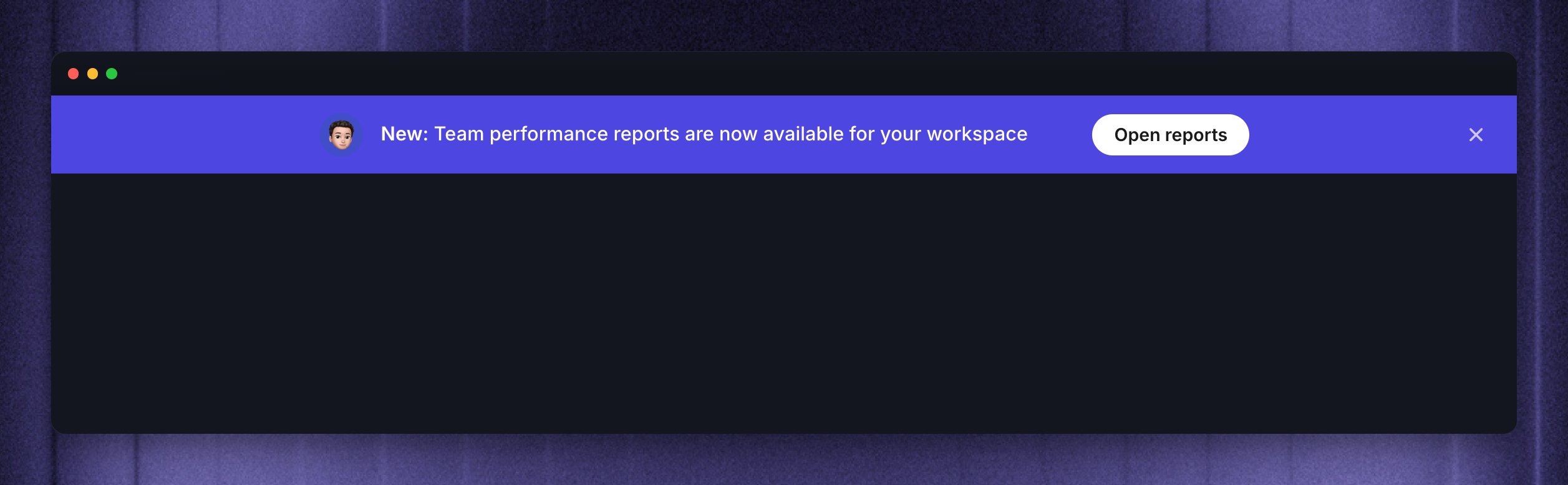
Choose Banner for important messages that should stay visible on your product or website. Banners are meant to notify and don’t enable conversation.
Banner works well for:
Maintenance notices
Limited-time announcements
Upgrade prompts
Important product or account reminders
Just like Chats, Banners can be targeted by page URL, time-on-page, and CSS selector triggers, then follow the schedule you configure for recurring and every-match delivery.
Use Email for inbox reach
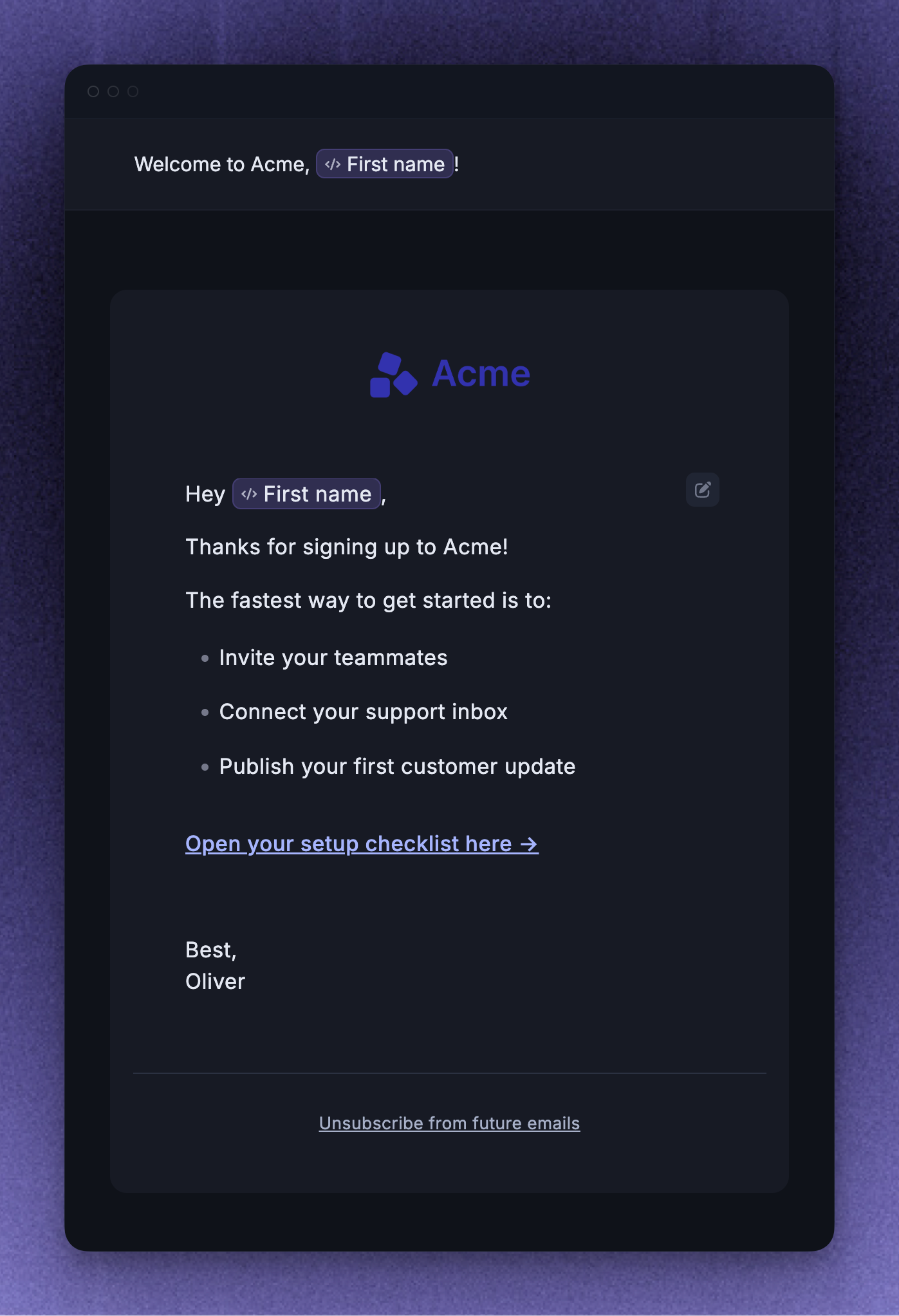
Choose Email when you need to reach users even if they are not currently in your product. Email is the perfect channel for re-engaging customers who are slipping away and bringing them back into your app.
Email works well for:
Re-engagement messages
Time-sensitive product announcements
Customer education campaigns
Messages that need a subject line, email template, and inbox delivery
Email messages can only target Users. Emails can be targeted using user attribute matching, scheduling, and subscription topic checks.
At Featurebase, we use it for billing, re-engagement, and one-off, time-sensitive announcements. It’s great for sending critical communications you want to ensure all your customers receive.
Use Survey for structured feedback
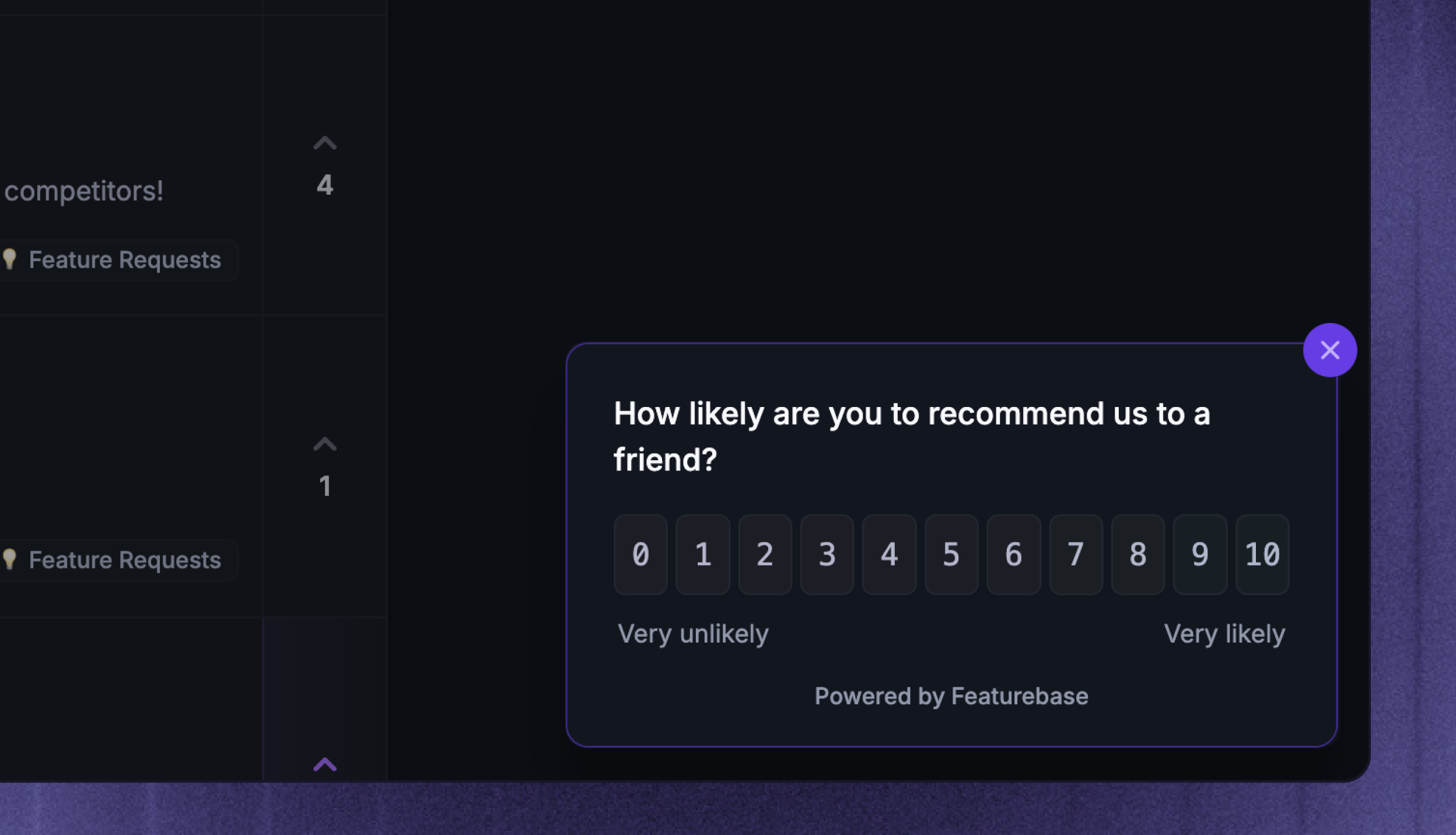
Choose Survey when you need structured answers instead of an open conversation.
Survey works well for:
Asking why someone did or did not complete an action
Collecting product feedback after someone visits a feature
Running short research prompts in your product or website
Measuring interest before following up with specific users
Surveys use Dynamic audiences only. They support page URL, time-on-page, and CSS selector triggers, plus one-time, recurring, and every-match scheduling.
Use Product Tours for guided tasks
Choose Product Tours when customers should complete a task in your product with step-by-step guidance.
Product Tours work well for:
Helping new users complete their first setup task
Introducing a feature on the page where customers use it
Offering a walkthrough when a customer asks for help
Tours use messages and tooltips on desktop websites and web apps. Show them automatically to a matching audience, or share a tour for customers to start when they need it.
Use Updates for announcements
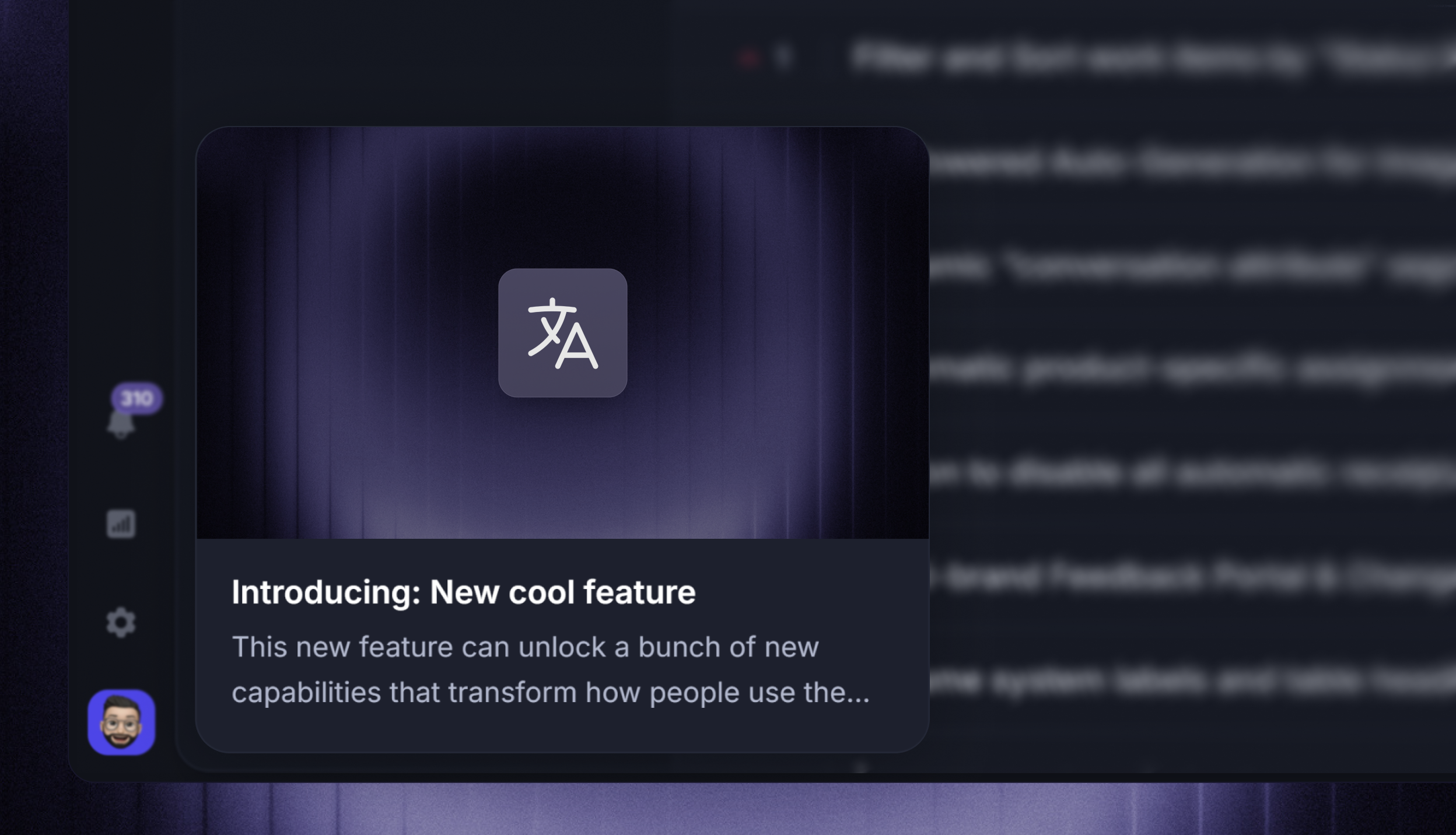
Choose Updates when the announcement should become part of your product update history, not just a one-time message.
Updates work well for:
Feature launches
Product improvements
Release notes
Announcements that subscribers should be able to find later
Creating an Update from Outbound opens the existing Updates editor. Updates can appear in the Outbound list, but they do not use Outbound audiences, page triggers, scheduling, or Outbound message analytics.
Updates use the existing Updates delivery model: Updates page, widgets, categories, locale behavior, subscribers, and notification emails.
Next steps
After choosing a message type, use the focused setup guides for the rest of the flow:
FAQs
Which message type should I start with?
Which message type should I start with?
Start with the action you want the recipient to take.
Use Chat if you want a reply or an Inbox conversation. Use Banner if the announcement should remain visible without requiring a reply. Use Email if the recipient may not be in your product. Use Survey if you need structured answers. Use Product Tours if the customer needs help completing a task step by step. Use Updates if the announcement should continue showing publicly on your Updates page and widgets.
Which message types support page-based triggers?
Which message types support page-based triggers?
Chat, Banner, Survey, and automatically displayed Product Tours support page URL, time-on-page, and CSS selector triggers.
Emails and Updates do not use page-based triggers.
Which message types support Locked audiences?
Which message types support Locked audiences?
Chat and Email can use Locked audiences with Lock audience at activation.
Banner, Survey, and Product Tour messages use Dynamic audiences only.
Can I use Email for visitors or leads?
Can I use Email for visitors or leads?
No. Email can only target Users. To reach visitors or leads while they are on your website or in your product, use Chat, Banner, Survey, or a Product Tour on desktop.
Was this helpful?
Still need help? Ask the team