Change/reset your password
Learn how to change the password of your Featurebase account by resetting it.
Written By Robi Rohumaa
Last updated 25 days ago
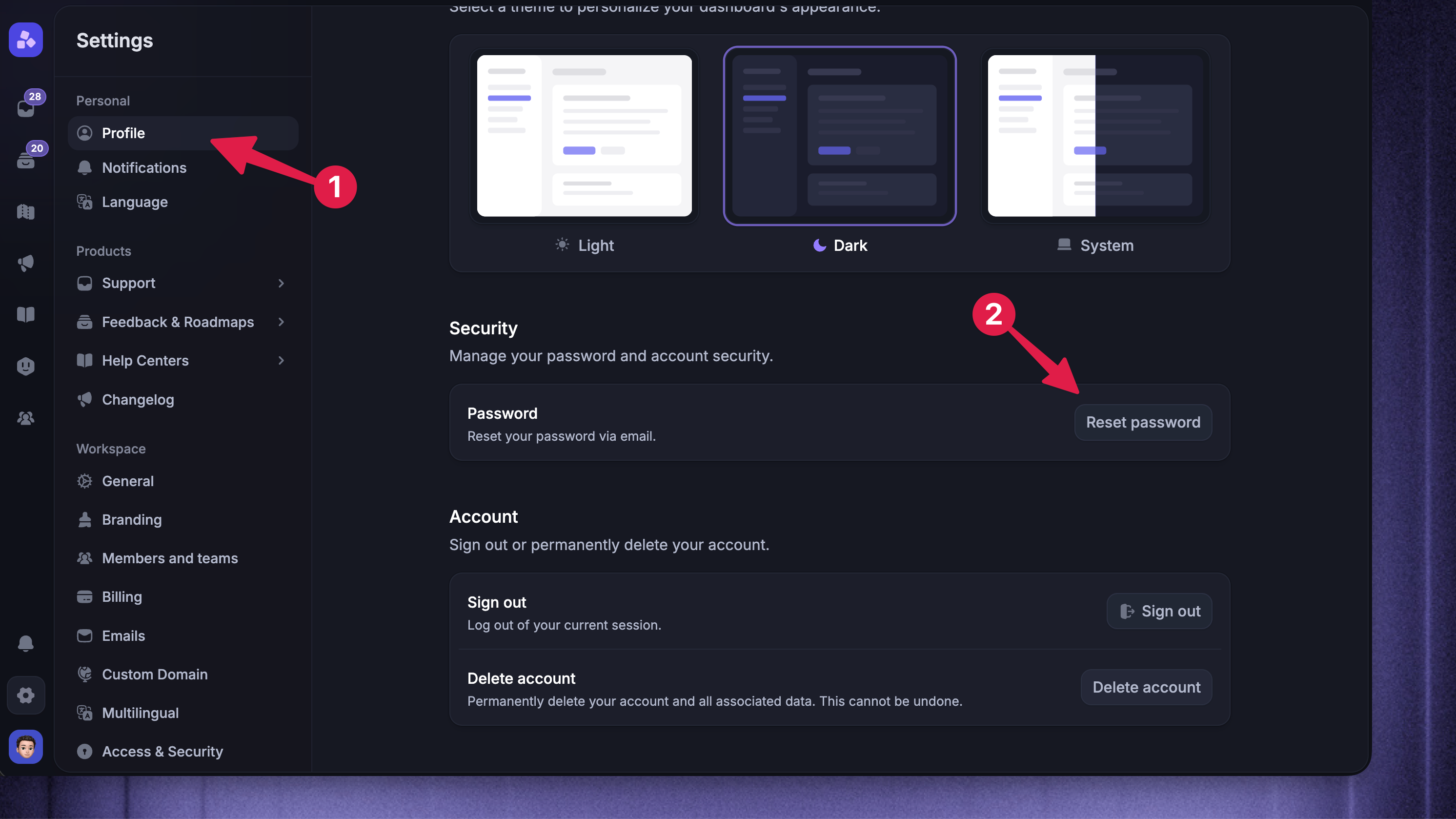
To reset your Featurebase password:
Go to Settings → Profile
In the Security section, click Reset password
Check your email inbox for the password reset email
Click Change Password in the email
Enter your new password and click Change password
That’s it! Your password has been reset, and you can log in with the new password.
FAQ
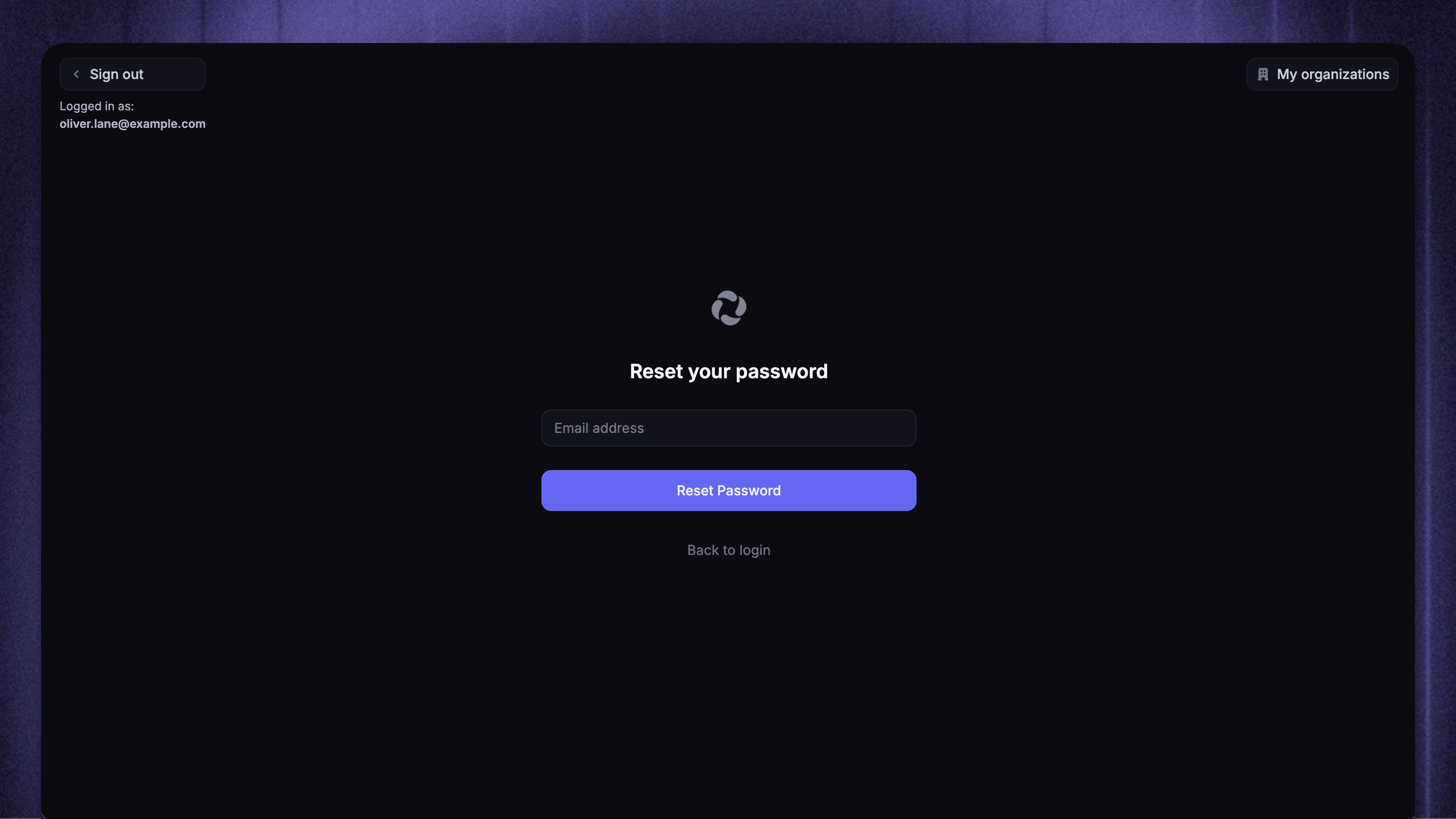
I did not receive an email for the password reset.
I did not receive an email for the password reset.
Start by verifying you entered the correct email into the password reset page.
If the email you entered is correct, check your spam and promotion tabs in your email client.
If you still can’t find the email after trying multiple times, reach out to us in the live chat or email support@featurebase.app, and we’ll help you out.
Was this helpful?
Still need help? Ask the team