Journal des modifications

Suivez les nouvelles mises à jour et améliorations de Featurebase.

14 avril 2026

New

Support suite

Not every customer issue is a quick chat. Some take time, need input from multiple teams, or affect many customers at once. That's where tickets come in.

Tickets let you turn conversations into structured, trackable work items with statuses, assignees, and custom fields - so your team stays organized and your customers stay in the loop throughout the entire resolution process.

Your Featurebase Inbox now handles both:

  • Conversations - for simple queries that can be handled quickly (e.g. "How do I delete tags?")

  • Tickets - for complex async queries that take time, require investigation, or need collaboration (e.g. "My bill is incorrect, please issue a refund.")


Three ticket types for every workflow

Different ticket types.

Complex queries come in different shapes and sizes. That's why Featurebase offers 3 ticket categories, each optimized for a different use case:

  • Customer tickets - private conversations between your team and a customer for async requests where the customer can track progress and receive updates. Best for refund requests, account changes, and any other issues where users need visibility into progress.

  • Back-office tickets - internal tickets for behind-the-scenes collaboration across teams, without involving the customer. Best for engineering escalations, billing investigations, etc.

  • Tracker tickets - internal tickets for shared issues affecting multiple customers. When you update the status of a tracker ticket, it automatically updates all linked customer tickets at once. Best for tracking known bugs and service outages.

Learn more about the three ticket types →


Ticket Portal

Public tickets portal.

The Ticket Portal is a dedicated page where customers can submit new tickets, view existing ones, and track progress. It lives alongside your Feedback board, Changelog, and Help Center, so everything is in one place for your customers.

Learn more about the Ticket Portal →


Tickets in Messenger

Tickets in the Messenger widget.

The Messenger widget now supports a dedicated Tickets tab where customers can view their tickets, see real-time status updates with a visual progress bar, and follow up on requests - all without leaving your product.


Fully integrated with the Featurebase suite

Tickets in workflows.

Tickets work with everything you already use in Featurebase:

  • Workflows - automate ticket routing, auto-close stale tickets, send ticket forms in the Messenger, or convert conversations to tickets automatically

  • Integrations - connect tickets with Linear, Jira, HubSpot, ClickUp, GitHub, and more to streamline collaboration across tools

  • Feedback portal - Our AI automatically suggests users to post ticket topics (e.g. bug report/refund request) under the dedicated Ticket Portal, making sure your public Feedback forum doesn’t get cluttered with sensitive issues

  • SLAs - set ticket SLAs to track your team's response and resolution times

  • Multilingual support - Automatically translate customer tickets to provide in users native languages

  • Lite seats - let back-office teams access Featurebase for free as collaborators to help resolve tickets

  • User & Company profiles - all tickets appear as a dedicated tab in user and company profiles for full customer context

  • Multi-brand - create and manage tickets across multiple brands from a single workspace


Get tickets that keep the conversation going

✨ Get started with tickets today →

9 mars 2026

New

Improved

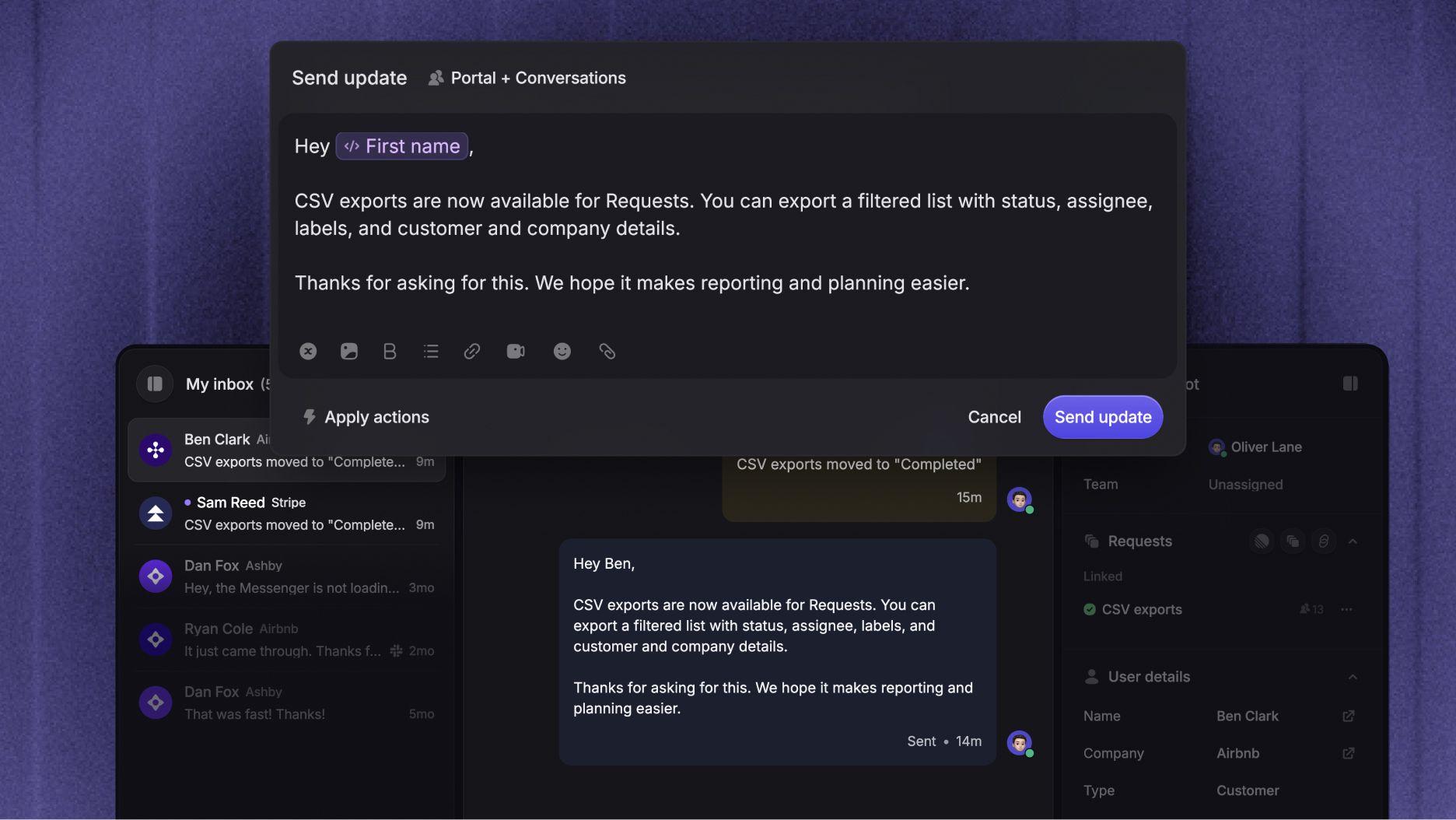
Hey there from earth!

Dynamic variables are here. You can now personalize messages, changelogs, surveys, and more by automatically inserting customer data like {first_name} and {company_plan} details.

Just type { in the editor to insert a variable. You can also set a fallback value so even if customer data is missing, your messages always read naturally.

You can use dynamic variables in:

  • Macros and message templates

  • Workflows

  • Changelogs and Surveys

  • Messenger greetings

Make every customer interaction feel personal, without the manual work!

Learn more: Dynamic variables in Featurebase


Other releases

4 mars 2026

New

Improved

We've made it easier to keep your user data clean and give your team more context when helping customers.

Merge user profiles

Merge duplicate user profiles.

You can now merge leads into existing user profiles so all conversations, attributes, and history are stored in one place.

You can merge profiles in two ways:

  • Manually update a lead’s email in their profile to match an existing user

  • Merge potential duplicates directly from the Inbox when a duplicate warning appears during a conversation

In many cases, profiles will also merge automatically thanks to browser cookies.

Learn more here →


More automatically captured lead data

Recent page views in the support inbox.

The Messenger now automatically collects metadata about your contacts, helping your team provide faster and more relevant support without asking extra questions.

You'll now see:

  • Recent page views - see exactly what pages someone was browsing before reaching out

  • Browser info - name, version, and language settings

  • System info - operating system and location details

  • Language preferences - any language override settings if set

This data is automatically captured when someone interacts with the Messenger on your website.


Other

25 février 2026

Improved

Product suite

You can now sync Featurebase with multiple Linear teams and Jira projects, with fully customizable sync rules per feedback board.

This means each board can have its own sync behavior tailored to how your team actually works.

You can now:

  • Sync each feedback board with a different Linear team or Jira project

  • Define unique status mappings per board, for example:

    • 🐛 Bug Reports - Done → Fixed

    • 💡 Feature Requests - Done → Shipped

  • Set default Jira issue types (feature, epic, task) per board

This finally gives your product and engineering teams full flexibility to tailor sync behavior to how they actually work.

Learn more & get started: Linear / Jira integration

17 février 2026

New

Improved

Support suite

You can now support multiple brands, products, or companies from a single Featurebase workspace.

Multi-brand support lets you create separate Messenger styles and Help Centers for each brand, while keeping your support operations centralized.

With multi-brand support, you can:

  • Create multiple brands with their own logos, colors, and sender emails

  • Show a different Messenger style based on the website domain

  • Run separate Help Centers with unique domains and customization

  • Manage all of it from a single Featurebase workspace

This is ideal if you manage multiple products under one company or operate different brands with shared support teams.

Learn more & set it up: Multi-brand support →

Multi-brand support is currently not available for the Feedback, Roadmap, and Changelog products, but it is on our roadmap! Feel free to upvote it, so we know to prioritize it.

5 février 2026

New

Improved

Product suite

We’ve introduced a new, non-intrusive card design for the changelog widget that lets you automatically show your latest update neatly in the corner of your product.

When clicked, the card expands into a popup or can optionally take users directly to your changelog page.

Learn to set it up here: Changelog widget installation

3 février 2026

New

Improved

Product suite

Featurebase can now automatically categorize new & existing feedback posts using AI. This helps you group large volumes of feedback into product areas, projects, or themes without manual work.

AI tagging analyzes each post’s content and applies relevant tags based on rules you define, keeping feedback organized as it comes in.

This helps your team keep the dashboard clean, filter feedback faster, and focus on what matters most, even at scale!

Learn more & get started: AI feedback tagging →

28 janvier 2026

New

Improved

Product suite

The new updates give you more control over who receives emails, how changelog emails scale as you grow, and a handful of smaller improvements across the platform.


Configure email preferences for each user

Configuring users email preferences from their profile in Featurebase.

You can now manage email notification preferences per end user, separately from their profile data. This makes it easier to reduce noise while still keeping users informed about what matters to them.

With this update, you can:

  • View and edit each user’s email subscription preferences from their profile

  • Opt users out of non-essential notifications without affecting critical ones

  • Let end users manage their own preferences from the public portal or the email footer

Learn more: Managing end-user notifications


Auto-subscribe users to changelog emails

Auto-subscribing users to changelog emails from settings.

You now have full control over how users are subscribed to changelog emails by default:

  • Automatically subscribe all users who interact with your Featurebase board

  • Disable auto-subscribe for fully manual control

  • Turn off changelog emails entirely and share updates only via the portal or in-app widgets

Learn more here: Subscribing users to changelogs


Scalable email usage pricing

Changelog emails now support usage-based pricing, so email volume can scale with your product and audience.

It includes 5,000 emails per month free, and you only pay for what you send beyond that. This removes the risk of hitting a hard cap as your user base grows.

Learn more here: Outbound emails pricing

Good to know:

  • Existing customers stay on their legacy limits, but can switch to usage-based pricing from Settings → Changelog

  • New customers are automatically on the new usage-based format

  • Support and feedback-related emails remain free


Other

22 janvier 2026

New

Support suite

Copilot is here to help your team answer customers faster and stay consistent, directly inside your Featurebase Inbox.

Copilot uses your help center, past conversations, macros, and roadmap to generate accurate, context-aware answers while you reply.

You can use Copilot to:

  • Summarize lengthy conversations

  • Get instant AI replies based on full conversation context

  • Ask internal questions about processes or past cases

  • Onboard new teammates faster

Copilot works seamlessly with your existing content and improves as your documentation grows, helping you answer customers without constantly switching between different tabs to find information.

Learn more & get started: Copilot overview

16 janvier 2026

New

Support suite

Featurebase can now automatically translate your entire help center, so you only need to write articles in one base language.

  • Translations in other languages are kept up to date automatically using AI

  • Protected terms in the glossary & code snippets are never translated

  • You can always edit individual translations for articles and collections separately

Learn more & get started: Automatic AI help center translations →