Update page & widgets
Reach your users with Updates across your public Updates page, widgets, and RSS.
Written By Markus Palm
Last updated 13 days ago
Overview
Share Updates by email, on your public Updates page, through in-app widgets, and in connected Slack channels. Choose the delivery methods for each announcement in the Update editor.
Public Updates page
The public Updates page gives customers one place to follow all of your company's updates (e.g., general announcements, product updates, release notes, etc).
It keeps releases easy to find, shows that your product is continuously improving, and helps customers see how their feedback turns into real changes.
Use it as a shareable product history for new features, improvements, and fixes. Customers can browse past Updates, filter them by category, and subscribe by email or RSS to keep up with future releases.
Your public Updates page lives at https://yourcompany.featurebase.app/changelog, or on your custom domain if you have one. It only shows published Updates the visitor can access based on language, segments, categories, and workspace privacy.
Customize the page
Customize your public Updates page in Settings → Outbound → Updates, under General:
Public page layout - Timeline shows the newest Updates in full and older ones as compact rows. Classic shows every Update as a card, with images first and older content behind 'Continue reading'.
Comments on the public page - Minimal uses a 'Comment' button to open the discussion in a side panel. Expanded also shows the first comments below each Update. These options appear when Disable Collaboration is off.
✨ Check out our live Updates page!
Widgets
Update widgets let you conveniently bring the latest updates into your app, creating a frictionless experience for your users. All widgets mimic the public Updates page, so you don’t have to worry about publishing Updates multiple times.
Learn to set them up: Install Changelog Widget
Card widget
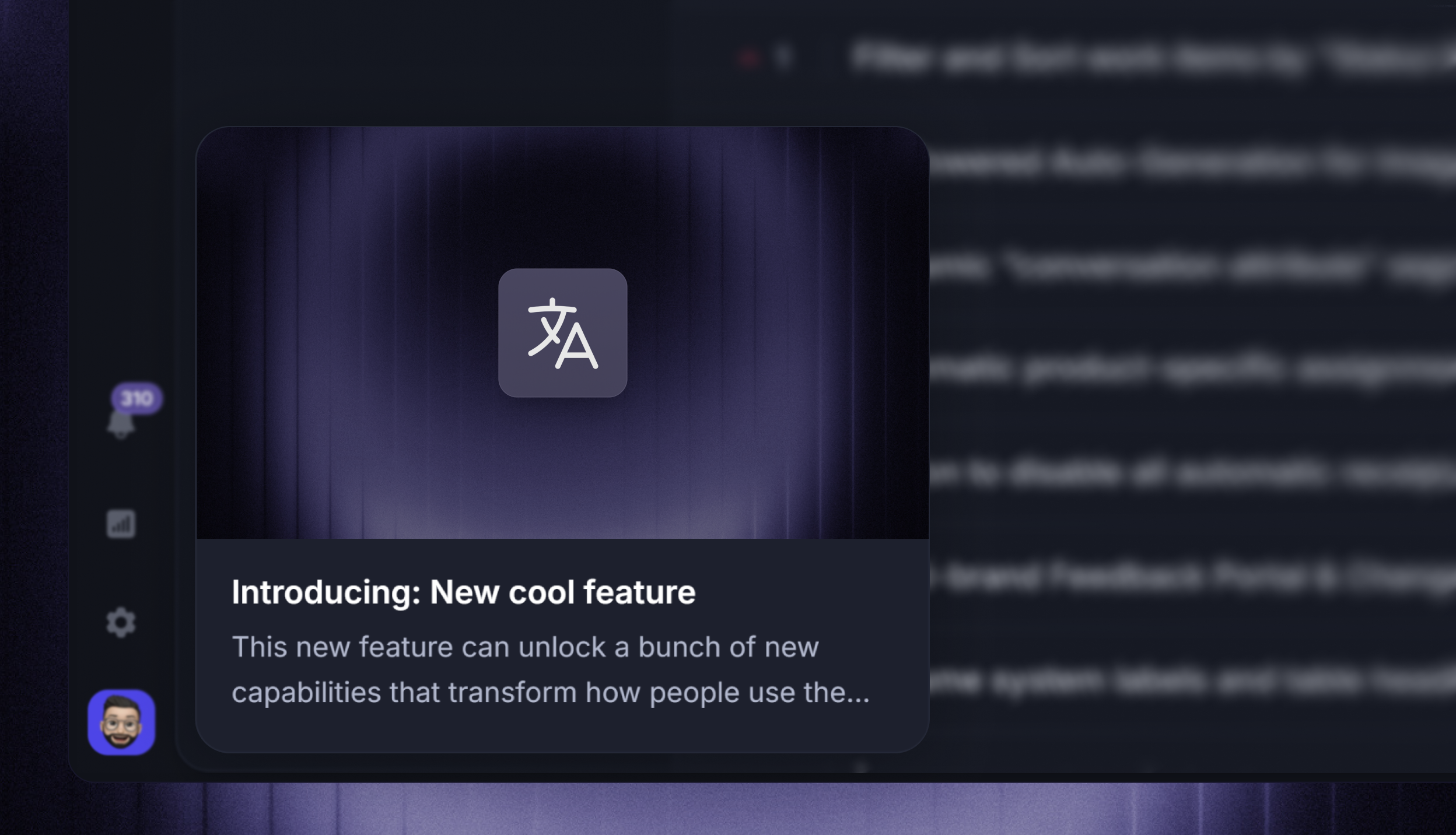
The Card widget is a non-intrusive card in the corner of your product showcasing your latest update. On click, it expands to a popup view or optionally sends the user to your Updates page. This is our recommended format.
Messenger widget
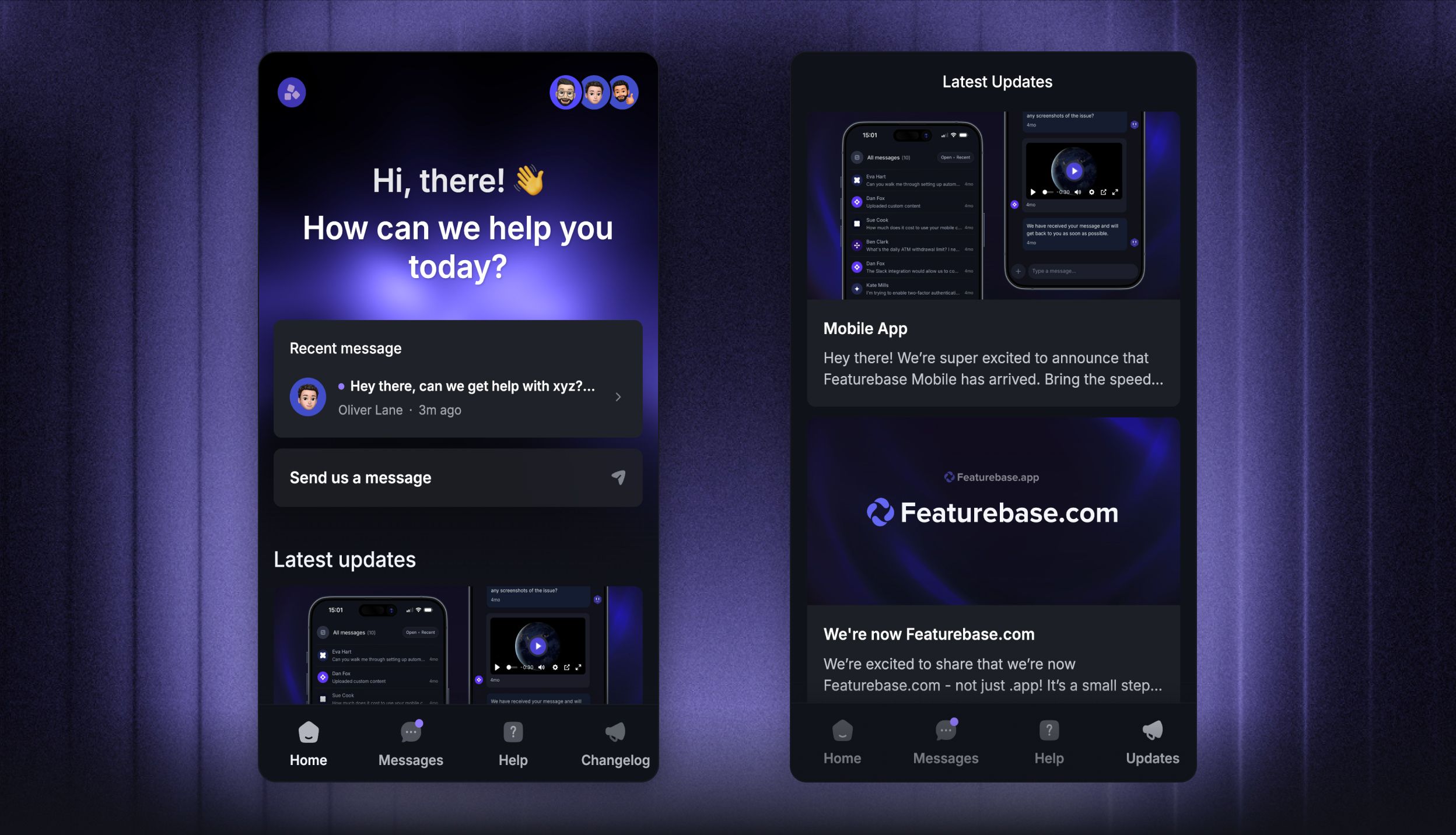
The Messenger widget is a good fit if you already use Featurebase for customer support and want to bring live chat, Help Center articles, and Updates into your app through one lightweight widget.
Popup widget
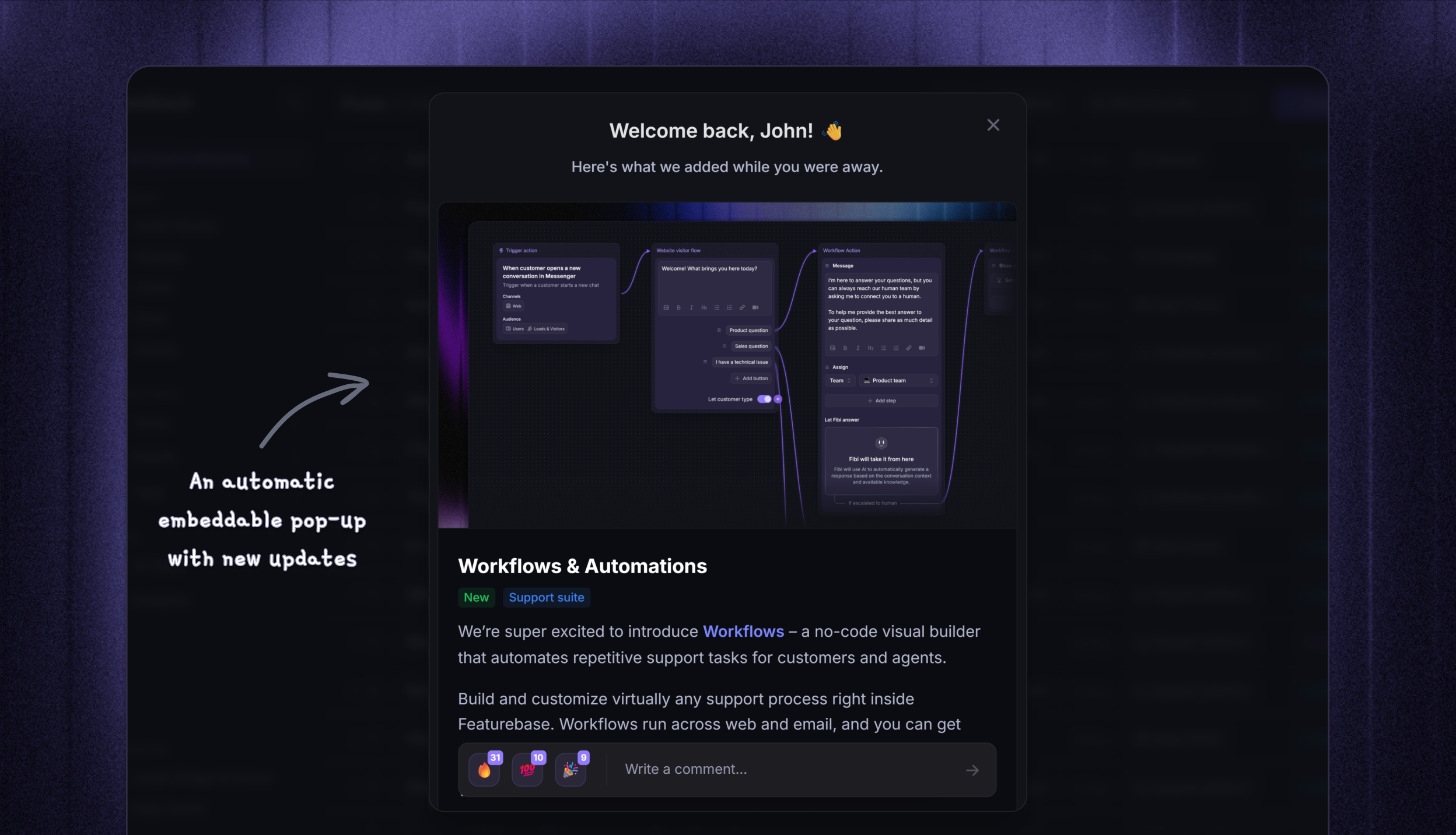
The Popup widget is a neat popup that can be triggered automatically when you publish a new update, or manually by clicking a button or other interaction. It brings your most important updates to the forefront when users log back into your product.
Dropdown widget
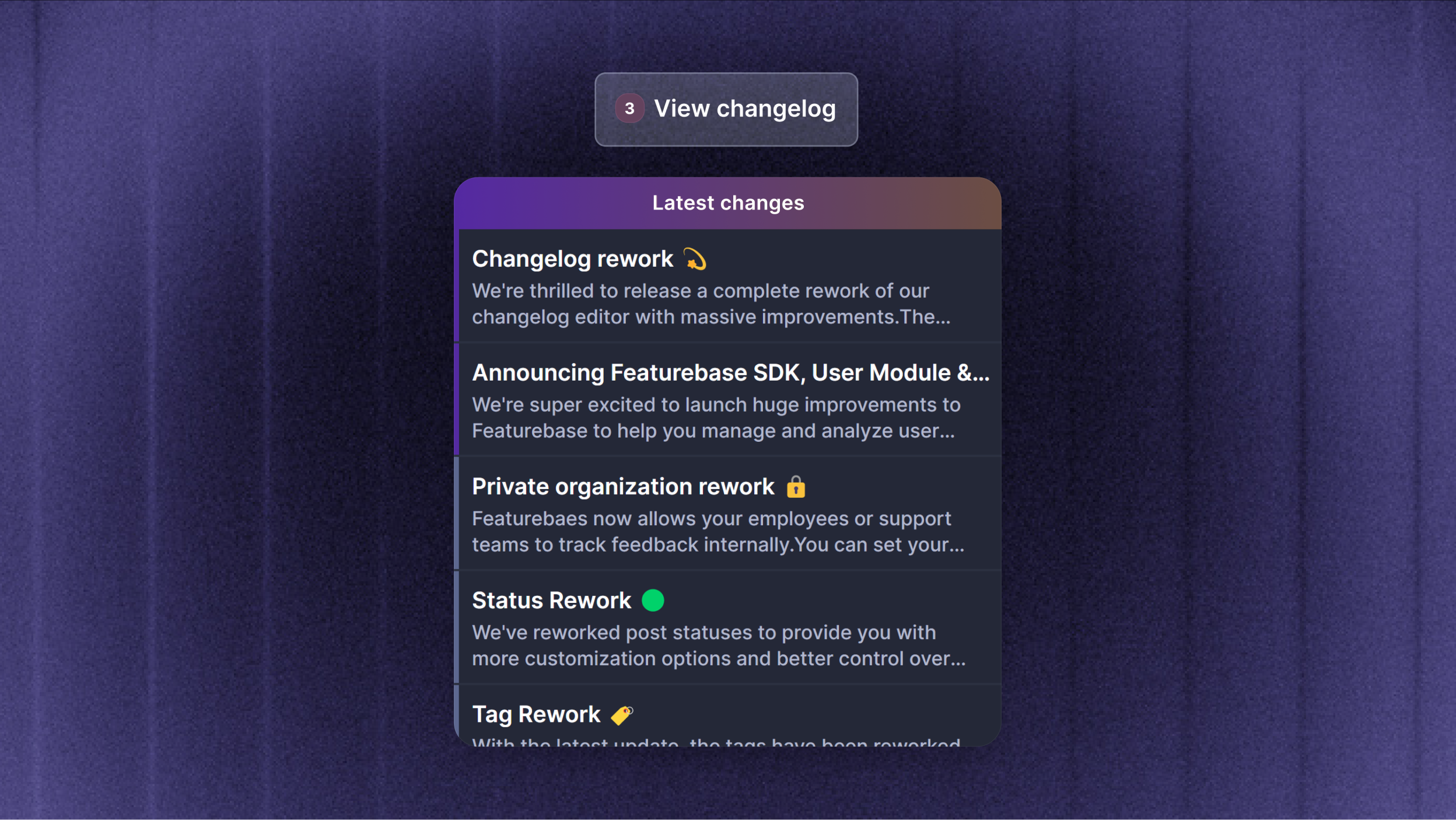
The dropdown widget lets you show all the latest changes in your app in a lightweight format that doesn't draw too much attention. It’s perfect to embed as an “Updates” button in a menu or settings.
Slack channels
Post an Update to selected Customer or Community Slack channels. Choose channels manually or reuse a Slack channel segment when configuring the Update's delivery.
Control what appears
Website and widget visibility, email notifications, and Slack notifications are separate choices.
To hide an Update from the public page and widgets, turn off ‘Show from website & widgets’ in the Update editor. This does not turn off its email or Slack notifications.
To show an Update only to specific customers, use ‘Targeted users’ in the Update editor. You can also restrict categories from Settings → Updates. Updates in restricted categories are only visible to customers who match the category's user segments.
Note: Private workspaces and segment-restricted Updates require the visitor to be identified with access. Anonymous visitors only see public live Updates they are allowed to view.
Multilingual support
If multiple Updates languages are enabled, the public Update page and all widgets automatically show users the correct translation based on their browser language settings. They can always switch languages on the public page manually from the toggle. If the requested language is not enabled, Featurebase falls back to your default Updates language.
FAQs
Can I use the Update widgets in my iOS / Android mobile app?
Can I use the Update widgets in my iOS / Android mobile app?
No. Updates widgets are web widgets for websites and web apps.
For mobile apps, link to your public Updates page or embed it in a WebView if your app supports that.
Do widgets show old Updates immediately after installation?
Do widgets show old Updates immediately after installation?
No. Card and popup widgets are designed to avoid showing a backlog of older Updates on the first visit. The first visit records existing Updates as seen. New Updates published after that can appear as unread.
The dropdown can still be opened from your trigger to browse recent Updates.
Why is an Update missing from the page or widget?
Why is an Update missing from the page or widget?
Check that the Update is published, published in the visitor's language, and has ‘Show from website & widgets’ enabled.
If the Update uses Targeted users or restricted categories, the visitor also needs to be identified and match the required segment. Private workspaces require an identified visitor with access.
Was this helpful?
Still need help? Ask the team