User authentication
Learn how to automatically authenticate your users to your Featurebase portal, widgets, and more.
Written By Kateryna Babenko
Last updated 17 days ago
Overview
Automatically authenticating users to your Feedback portal and widgets is key to keeping a smooth, flowing experience. Setting up automatic auth ensures your users are seamlessly logged in and don’t have to create a separate Featurebase account to submit feedback or interact with your team.
In short, there are 2 main ways to automatically authenticate users:
SDK: Easier setup for seamless logins and user data syncing, but requires users to visit from your app. It’s convenient because it automatically imports data as users interact with your app. However, users who come directly from the web are not authenticated.
Single Sign-On: Seamless login for users who come from your app while also letting users who visit directly from the web log in with your company’s existing account. Ensures that users never have to create a Featurebase account. Syncs data during the authentication process.
Without setting up automatic user authentication, users have to manually create a Featurebase account using the manual authentication methods outlined below.
👨💻 You'll need to write custom code for these processes. If you're uncomfortable with this, share these guides with a technical team member who can assist.
Automatic authentication:
1. Single Sign-On (SSO)
If your users already have an account in your web app, you can use Single Sign-On (SSO) to let them log into Featurebase with it. This way, they don't have to create a new separate account on Featurebase.
You can also use the SSO to sync user data and control access to your private organization, so users must authenticate before being granted access.
Learn to set it up: Public Portal Single Sign-On (SSO)
2. Featurebase SDK Identify
Use the SDK's identity functionality to automatically log in users visiting Featurebase directly from your app. You can also use it to sync your user data, so you can see who's giving you feedback and filter by user attributes, such as monthly revenue.
Note that when users visit the board directly, the automatic sign-in will not work, and it will look like our regular authentication page (as seen in the OAuth section).
Learn to set it up: SDK auto-authentication & data sync setup
OAuth or Email (default)
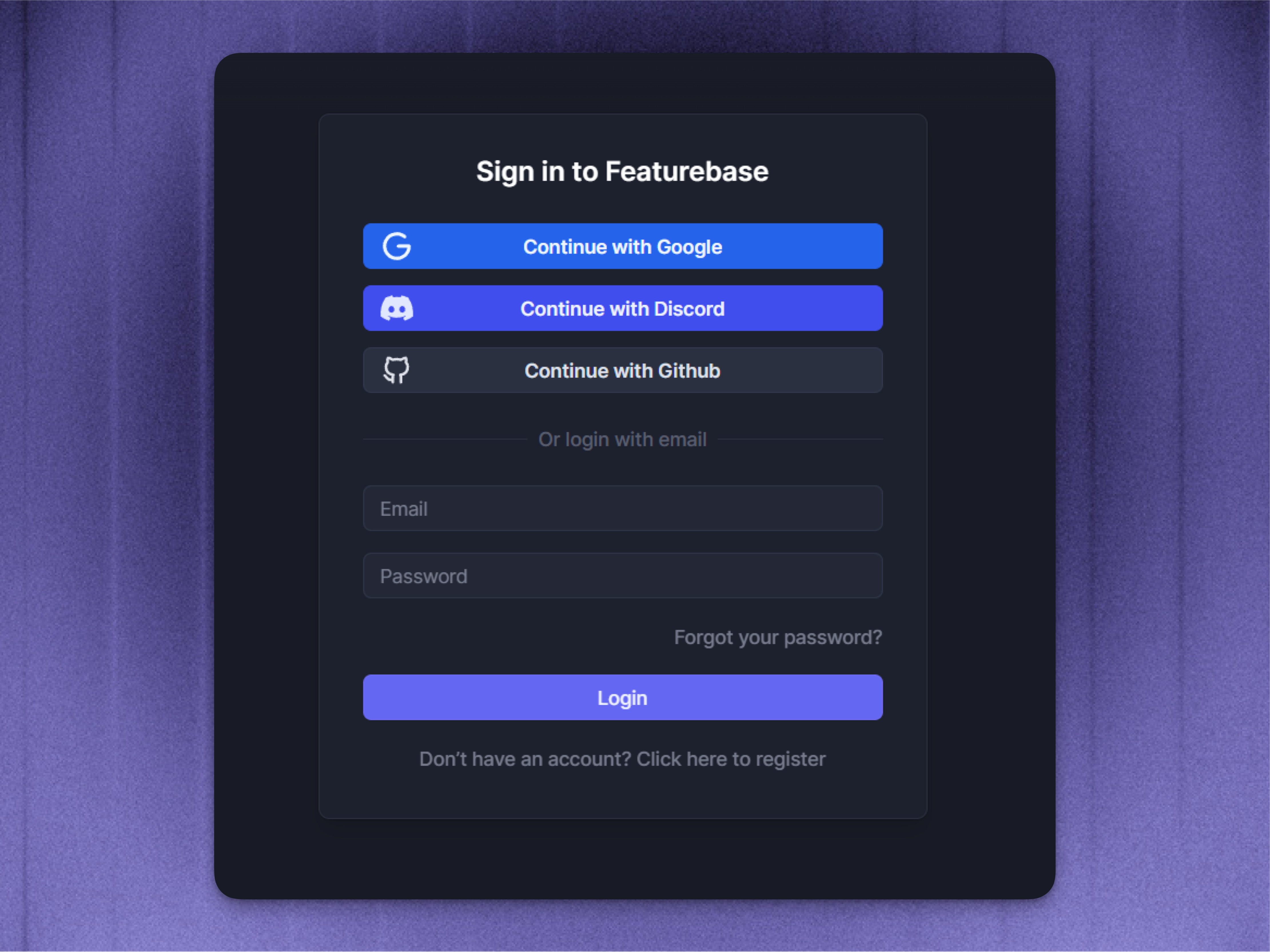
OAuth is the default method for users to log in if you haven't enabled automatic authentication methods like SSO or SDK. Users can log in using their existing Google, GitHub, or Discord accounts.
As seen from the screenshot above, users can also choose to log in using their email and password to create a new Featurebase account.
FAQs
Why use automatic user authentication?
Why use automatic user authentication?
Here are some of the main reasons you might want to set up automatic user authentication:
Reduced friction: With automatic user auth, users can access Featurebase faster and more easily, without having to remember multiple usernames and passwords
Data syncing: As it also enables you to sync customer data, you gain a better understanding of which users are interacting with your support and providing feedback. This helps you create user segments, restrict their access, and better prioritize feedback.
What's the difference between the SDK and SSO authentication?
What's the difference between the SDK and SSO authentication?
The Single Sign-On option allows you to replace the login button with a link to your app. Then you can handle the authentication from your page and send the user back with the associated data.
With the SDK, the user has to visit Featurebase from your own app. If they visit directly from another device or from anywhere else form the internet, they’ll not be logged in.
The SSO option is a bit more reliable, as the account will always be the same as it is in your system - no matter where the user visits from.
More recommended steps:
Was this helpful?
Still need help? Ask the team