Change your account's email address
Learn how to change your account's email address in Featurebase.
Written By Robi Rohumaa
Last updated 6 months ago
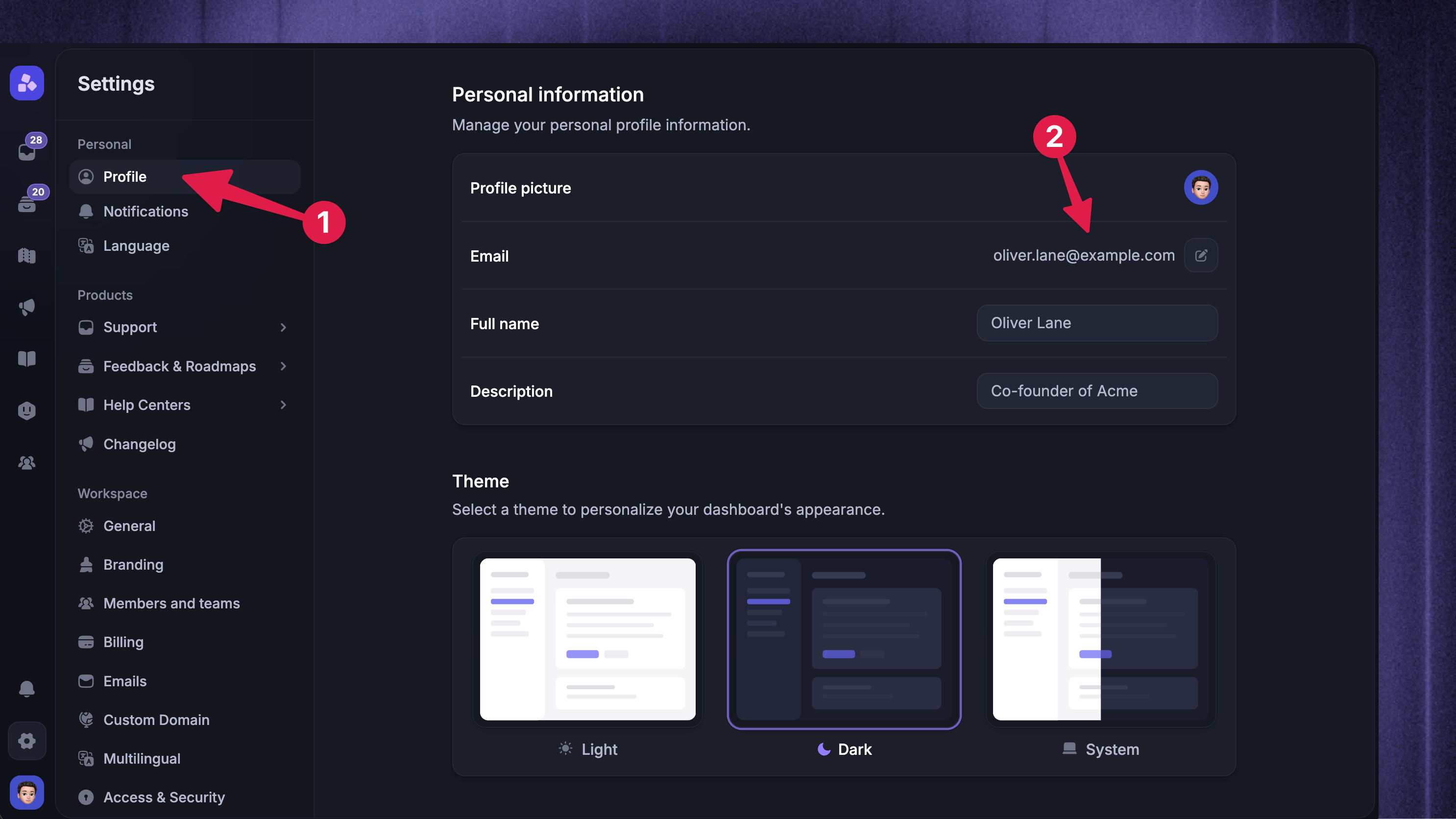
To change the email on your Featurebase account:
Go to Settings → Profile
In the Personal information section, click Change email next to your current address
Enter your new email and click Send verification code
Enter the 8-digit code sent to your current email to confirm you own the account
Enter the 8-digit code sent to your new email to verify the new address
Once both codes are confirmed, your account email is updated.
Was this helpful?
Still need help? Ask the team